

Adobe's New AI Video Editing Tool vs. Traditional Editing: Which Is Better for Creators in 2026?
Video editing has always been a grind. Whether you're a solo content creator piecing together YouTube vlogs or a professional editor working on commercial projects, the process has historically demanded hours of cutting, trimming, syncing audio, and color grading — all before you even think about adding effects. But Adobe's latest AI-powered video editing tool is promising to change all of that by automatically stitching clips into a coherent first draft, essentially handing you a rough cut before you've even touched the timeline.
So the real question for 2026 is: does AI-assisted editing actually beat the traditional approach, or is it just a flashy shortcut that sacrifices quality for speed? Let's dig in.
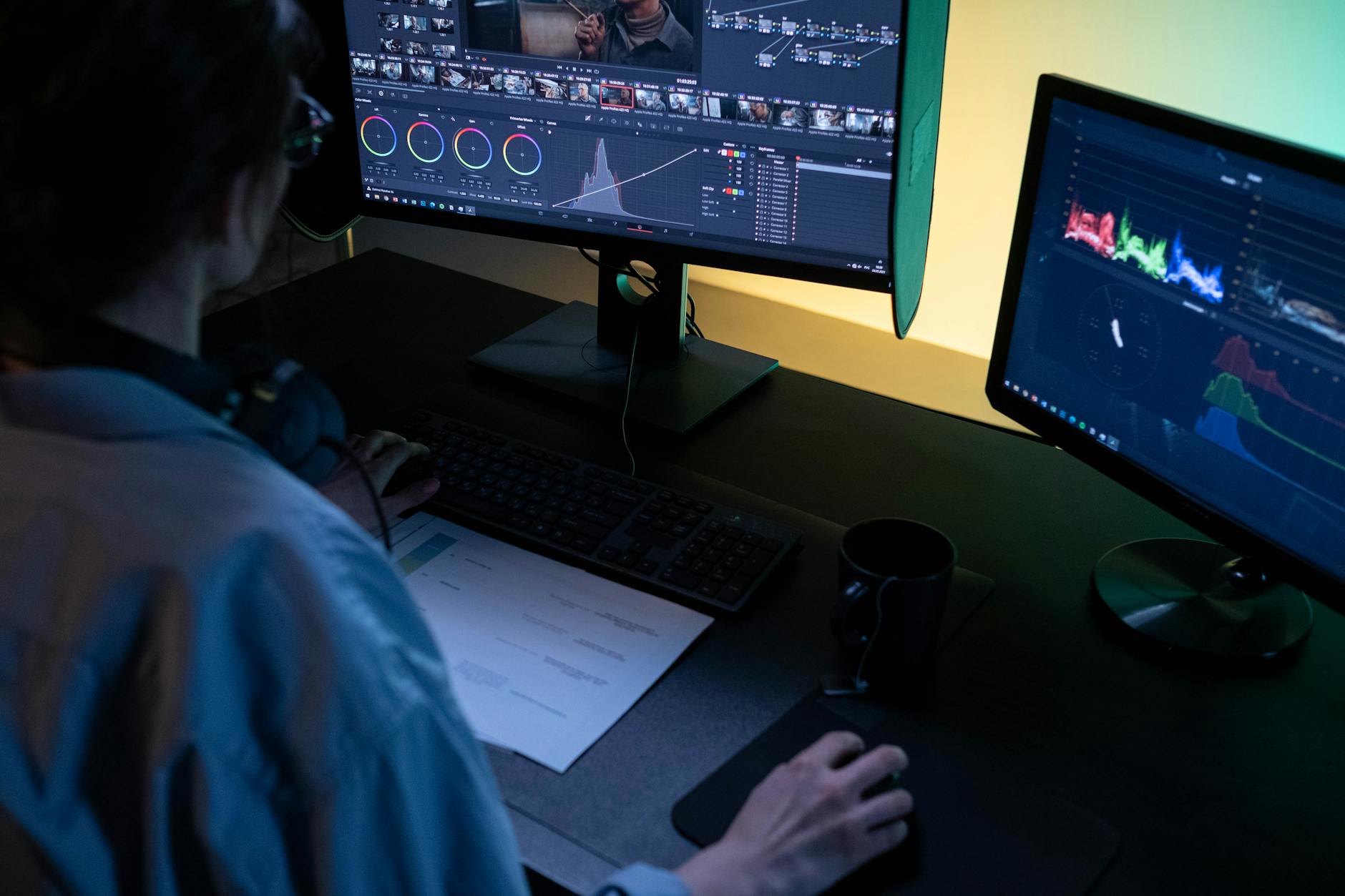
Photo by Ron Lach on Pexels | Source
What Exactly Is Adobe's New AI Video Editing Tool?
Adobe recently unveiled a new AI-driven video editing feature (part of its broader Firefly AI ecosystem) that analyzes a collection of raw clips and automatically assembles them into a rough first draft. The tool evaluates footage for things like shot composition, audio quality, pacing, and narrative flow — then stitches it together in a way that's meant to give editors a meaningful starting point rather than a blank timeline.
This isn't just about automating cuts. The system reportedly understands scene transitions, talking head footage, B-roll placement, and even emotional pacing — which is a significant leap beyond the basic auto-edit features that have existed in simpler tools like GoPro's Quik app or Apple's iMovie for years.
Key capabilities of Adobe's AI editing tool include:
- Automatic first-draft assembly from raw clips
- Smart scene detection that identifies the best moments
- Audio-visual sync without manual alignment
- Suggested transitions based on pacing and content type
- Integration with Adobe Premiere Pro for seamless refinement
This positions the tool not as a replacement for editors, but as a time-saving first-pass assistant — a distinction worth keeping in mind as we compare it to traditional workflows.
Traditional Video Editing: What Are We Actually Comparing It To?
When we say "traditional editing," we mean the established workflow that professional editors have used for decades: importing raw footage, logging clips manually, building a rough cut from scratch, refining it based on the narrative, and then polishing with color grading, sound design, and effects. Tools like Adobe Premiere Pro, DaVinci Resolve, and Final Cut Pro X sit at the heart of this approach.
The traditional workflow has major strengths:
- Complete creative control — every cut is intentional
- Narrative precision — editors can shape a story with nuance
- Customization — no two projects look alike
- Professional-grade output — industry standard for broadcast, film, and commercial work
But it also has well-documented weaknesses:
- Time-intensive — even a 5-minute video can take hours to cut
- High skill barrier — mastering NLE software takes years
- Tedious logging — sorting through hours of raw footage is exhausting
- Expensive — professional editors command high rates

Photo by Jakub Zerdzicki on Pexels | Source
Head-to-Head: AI Tool vs. Traditional Editing
Speed and Efficiency
This is where Adobe's AI tool wins decisively. Generating a first draft from dozens of clips in minutes versus the hours it would take an editor to do the same manually is a game-changer for high-volume creators. Social media teams, event videographers, and YouTube creators producing content at scale will feel this benefit most immediately.
Traditional editing simply cannot compete on raw speed — and that's not a criticism. It was never designed to be fast; it was designed to be precise.
Winner: AI Tool
Creative Control and Storytelling
Here, traditional editing holds a firm edge. An experienced editor doesn't just cut clips together — they shape a narrative arc, control the emotional rhythm of a piece, and make micro-decisions that AI still struggles to replicate with full nuance. The AI tool's first draft is a starting point, not a finished product, and it may miss the subtleties that define great storytelling.
For documentary filmmakers, narrative content creators, or anyone whose work depends on a deeply crafted story, the AI draft would likely require extensive revision — potentially negating some of the time savings.
Winner: Traditional Editing
Skill Accessibility
This is arguably the most transformative aspect of Adobe's AI tool. Traditional editing software has a notoriously steep learning curve. Tools like DaVinci Resolve or even Premiere Pro can take months or years to master properly. Adobe's AI-first approach dramatically lowers that barrier, enabling someone with minimal editing experience to produce a watchable first cut.
For small businesses, educators, and individual creators without a production background, this is a genuine democratization of video content.
Winner: AI Tool
Output Quality
For high-stakes professional work — broadcast commercials, narrative films, branded content — traditional editing with a skilled professional will consistently outperform AI-generated drafts. The nuance of color grading, sound design, and pacing decisions made by an expert editor is still beyond what current AI tools can fully replicate.
However, for social media content, internal corporate videos, or event highlight reels, the AI-generated output can be surprisingly solid — especially when refined by a human editor afterward.
Winner: Traditional Editing (for professional work); AI Tool (for everyday content)
Cost
Hiring a professional video editor can cost anywhere from $50 to $200+ per hour depending on experience and market. Adobe's AI tools are bundled within existing Creative Cloud subscriptions, making them accessible to anyone already paying for the suite. For budget-conscious creators and small teams, the cost advantage of AI-assisted editing is substantial.
Winner: AI Tool

Photo by Google DeepMind on Pexels | Source
Who Should Use Which Approach?
The honest answer is that these two approaches aren't mutually exclusive — and the smartest creators in 2026 are using both. Here's a quick breakdown:
Use Adobe's AI Tool if you are:
- A solo content creator publishing 3-5 videos per week
- A small business producing social media or marketing content
- A beginner who wants to learn editing with a helpful starting point
- A professional editor who wants to skip the tedious rough-cut phase
- An event videographer delivering same-day highlight reels
Stick with traditional editing if you are:
- A narrative filmmaker or documentary director
- A professional editor working on broadcast or commercial projects
- A creator whose brand is defined by a distinctive, highly crafted editing style
- Working on long-form content where story structure is everything
The Bigger Picture: AI as a Collaborator, Not a Replacement
Adobe's positioning of its AI tool as a first-draft generator rather than a finished product is smart and honest. The company isn't claiming to replace human editors — it's claiming to eliminate the most time-consuming and least creative part of the editing process: the initial assembly.
This mirrors a broader trend across creative software in 2026, where AI is increasingly handling the mechanical, repetitive tasks so that human creators can focus on the higher-level decisions that actually require taste, experience, and storytelling instinct.
For the video editing industry specifically, this could mean a shift in what editors are valued for — less for technical clip-shuffling ability, and more for their creative judgment, narrative sense, and finishing expertise.
Final Verdict
Adobe's AI video editing tool doesn't beat traditional editing — but it doesn't need to. It beats the blank timeline problem, the hours of clip-logging, and the intimidating learning curve that keeps many creators from producing video content at all. For high-volume, everyday content creation, it's a remarkable productivity tool. For professional, narrative-driven work, experienced editors remain irreplaceable.
The smartest move for creators in 2026? Embrace the AI draft, then apply your human expertise to make it genuinely great. That hybrid workflow is where the real magic happens.
FAQ
What is Adobe's new AI video editing tool and how does it work? Adobe's AI video editing tool (part of its Firefly AI ecosystem) automatically analyzes raw footage clips and assembles them into a rough first-draft cut. It evaluates factors like shot quality, pacing, and audio to create a starting point that editors can then refine in Premiere Pro.
Is Adobe's AI video tool available with a regular Creative Cloud subscription? Adobe has been integrating its Firefly AI features into existing Creative Cloud applications like Premiere Pro. Most AI features are available to active Creative Cloud subscribers, though some advanced capabilities may require specific plan tiers. Check Adobe's official website for the latest pricing details.
Can AI video editing tools replace professional video editors in 2026? Not fully. Current AI tools excel at automating the rough-cut assembly phase, but they still lack the creative nuance, storytelling judgment, and finishing expertise that professional editors bring. Most industry experts see AI as a time-saving collaborator rather than a replacement for skilled human editors.
What's the best video editing software for beginners in 2026? For beginners, AI-assisted tools like Adobe's new Firefly-powered features in Premiere Pro offer a gentler learning curve by generating a first draft automatically. CapCut and iMovie also remain popular entry points, while DaVinci Resolve offers a powerful free option for those willing to invest learning time.
How does Adobe's AI editing compare to other AI video tools like Runway or CapCut? Adobe's tool is distinguished by its deep integration with the professional Premiere Pro workflow, making it ideal for creators who already use Adobe's suite. Tools like Runway focus more on AI-generated visuals and effects, while CapCut targets mobile-first, social media creators. Each has a different strength depending on your production needs and existing workflow.
Frequently Asked Questions
What is Adobe's new AI video editing tool and how does it work?
Adobe's AI video editing tool (part of its Firefly AI ecosystem) automatically analyzes raw footage clips and assembles them into a rough first-draft cut. It evaluates factors like shot quality, pacing, and audio to create a starting point that editors can then refine in Premiere Pro.
Is Adobe's AI video tool available with a regular Creative Cloud subscription?
Adobe has been integrating its Firefly AI features into existing Creative Cloud applications like Premiere Pro. Most AI features are available to active Creative Cloud subscribers, though some advanced capabilities may require specific plan tiers — check Adobe's official website for the latest details.
Can AI video editing tools replace professional video editors in 2026?
Not fully. Current AI tools excel at automating the rough-cut assembly phase, but they still lack the creative nuance, storytelling judgment, and finishing expertise that professional editors bring. Most industry experts see AI as a time-saving collaborator rather than a replacement for skilled human editors.
What's the best video editing software for beginners in 2026?
For beginners, AI-assisted tools like Adobe's Firefly-powered features in Premiere Pro offer a gentler learning curve by generating a first draft automatically. CapCut and iMovie also remain popular entry points, while DaVinci Resolve offers a powerful free option for those willing to invest more learning time.
How does Adobe's AI editing compare to other AI video tools like Runway or CapCut?
Adobe's tool is distinguished by its deep integration with the professional Premiere Pro workflow, making it ideal for creators already using Adobe's suite. Tools like Runway focus more on AI-generated visuals and effects, while CapCut targets mobile-first social media creators — each has a different strength depending on your needs.


