

Why this matters for developers and AI users
According to early reports, Apple will introduce two new MacBook Pro models starting next week. If you build software, train models, or manage local ML workflows, a new laptop purchase is an investment in months (or years) of productivity. This guide breaks down what to watch for, how to pick between models, and how to configure and prepare your environment so you’re ready the day your MacBook Pro arrives.
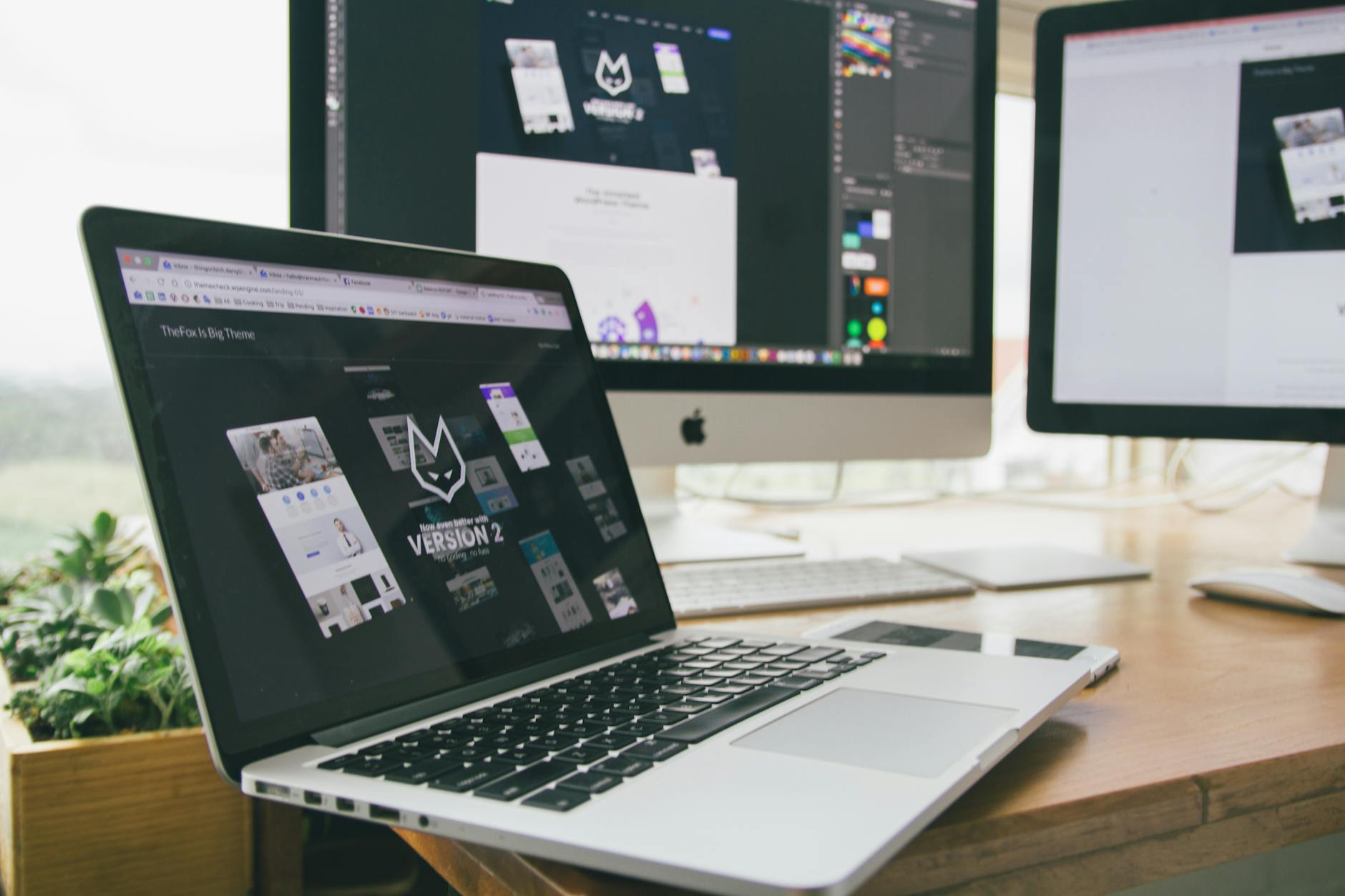
Photo by Tranmautritam on Pexels | Source
What we know—and what to treat as unconfirmed
- Trusted outlets (including 9to5Mac) report Apple is launching two distinct MacBook Pro configurations. Apple has not yet published full specs at the time of writing. Treat any detailed spec claims as tentative until Apple’s official announcement.
- Regardless of model specifics, the practical considerations for developers and AI users remain stable: raw compute, sustained thermal performance, unified memory, storage speed, and I/O.
Key hardware features that actually matter for code and ML
When vendor marketing gets noisy, focus on these objective areas:
- Unified memory capacity — Apple’s memory is soldered and not user-upgradeable. For ML workloads and large datasets, more unified memory reduces the need to swap to SSD and dramatically improves model training and inference times on-device.
- Sustained performance & thermals — Short benchmarks (single-run scores) are less useful than how the machine performs under long training jobs or heavy compilation. Throttling reduces throughput; better cooling sustains higher average performance.
- Neural engine / AI accelerators — Apple’s on-chip accelerators and Metal performance affect how fast frameworks (TensorFlow, PyTorch via MPS) run. Verify framework support for any hardware-accelerated APIs you depend on.
- Storage speed — Fast internal NVMe helps when datasets don’t fit in RAM. Also, external Thunderbolt/USB4 SSDs can be near-internal speed; check controller compatibility.
- I/O & display support — Multiple external displays, HDMI/DisplayPort options, and multiple high-speed ports matter if your setup uses external GPUs, monitors, or capture cards.
How to choose between the two new MacBook Pro models
Use this decision checklist to match a model to your real needs.
- Evaluate your workload
- If you do light development, web services, or smaller model training: prioritize portability and battery life.
- If you regularly train medium/large models, compile large codebases, or run continuous integration locally: prioritize thermal headroom, memory, and sustained CPU/GPU throughput.
- Memory sizing (buy for the future)
- For serious ML/AI work, consider at least 32GB unified memory. If you routinely work with large models or multiple VMs/containers, 64GB or higher is safer.
- Storage
- SSDs are soldered too. Choose an internal size that comfortably holds active projects and OS-level caches. Use fast external NVMe over Thunderbolt for large datasets.
- Ports and extras
- Pick the model with the port layout that matches your dock or external devices to avoid dongles.
- Price vs lifespan
- Think of MacBooks as multiyear tools; if you’ll keep the laptop for 3+ years, spending more on memory and storage upfront is typically better than adding peripherals later.

Photo by dlxmedia.hu on Pexels | Source
Preparing your software stack before you buy
Setting up early reduces the friction of migrating to a new machine.
- Inventory dependencies: List the key libraries, runtimes, and driver versions (Python versions, Docker images, CUDA if you use external GPUs, etc.).
- Check Apple silicon support: Most major tools (Homebrew, Docker for Mac, Python, TensorFlow-Metal, PyTorch via MPS) now support Apple silicon, but confirm any niche packages you need.
- Automate environment recreation: Use dotfiles, Homebrew bundles, Docker Compose, and requirements files so you can restore quickly.
- Test in a VM/cloud: If you depend on hardware that might change (e.g., Intel-only binaries), test cross-platform builds in CI or a cloud VM before committing.
Optimizing ML workflows on Apple silicon (practical tips)
If you plan to do ML work locally, follow these steps to get the most out of a MacBook Pro:
- Install and use the Metal-accelerated builds of frameworks where available (TensorFlow-Metal, PyTorch MPS backend). These provide GPU/accelerator access on Apple silicon.
- Prefer mixed workflows: use local development for iteration and small-scale experiments, then offload heavy training to cloud GPUs or on-prem servers for large-scale runs.
- Use RAM-aware batching: if your unified memory is limited, tune batch sizes, dataset sharding, and use memory-mapped datasets to avoid OOMs.
- Manage energy and thermal profiles: on macOS you can configure performance presets (when available) or use tuned workflows that break large tasks into smaller chunks to reduce throttling.
Migrating to your new MacBook Pro: step-by-step
- Back up your current machine with Time Machine and export any cloud credentials or SSH keys.
- Prepare a clean list of apps and versions (Homebrew bundle, pip freeze, npm list).
- When you get the new MacBook Pro, use Migration Assistant for personal files but prefer scripted installs for dev environments so you can replicate later.
- Verify key development tools (Xcode command line tools, Homebrew, Docker) and run a full CI build locally to confirm everything behaves.
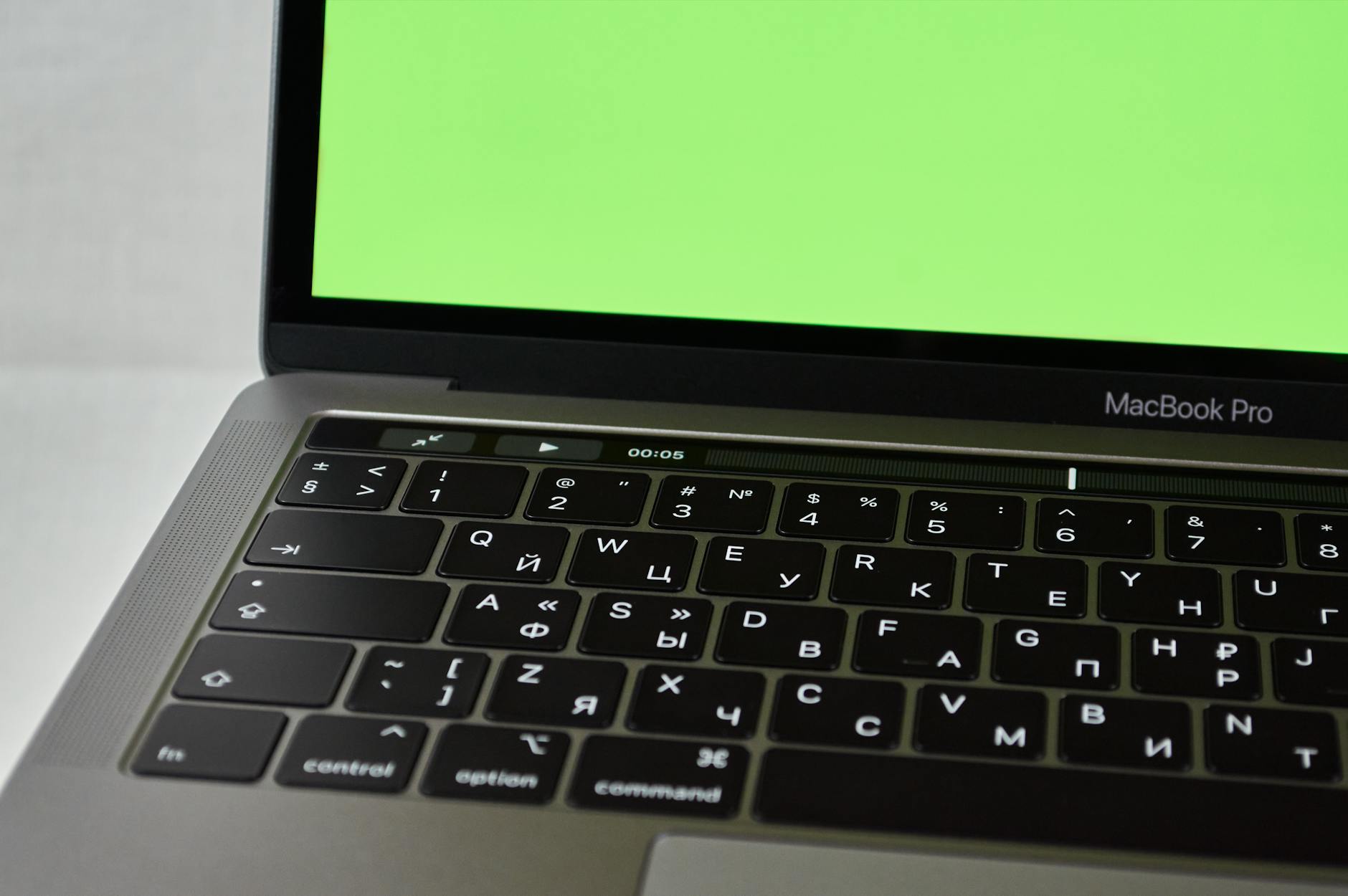
Photo by Ilya Klimenko on Pexels | Source
Budgeting: where to spend and where to save
- Spend on unified memory and sustained-performance models if you run ML or many containers locally.
- Save on raw SSD size if you have reliable external NVMe storage and backups.
- Consider refurbished or Apple’s trade-in to offset cost if you don’t need top-tier memory.
Common pitfalls to avoid
- Buying minimal memory to save now — you can’t upgrade later.
- Assuming desktop GPU performance parity — Apple silicon GPU is efficient but differs from discrete NVIDIA/AMD GPUs and their CUDA ecosystems.
- Neglecting software compatibility — ask vendors of essential tools about Apple silicon support if they’re not mainstream.
Final checklist before you click buy
- Have you confirmed unified memory amount for your workloads?
- Did you verify framework support (TensorFlow/PyTorch) for Apple silicon acceleration?
- Do you have a migration plan (backups, scripts, Docker images)?
- Is the port configuration compatible with your dock and external displays?
- Have you considered long-term needs (3+ year horizon) when choosing storage and memory?
Bottom line
Even if Apple’s two new MacBook Pro models differ in design or target users, the buying logic for developers and AI users is straightforward: prioritize sustained compute, sufficient unified memory, and a setup that matches how you actually work. Configure your toolchain ahead of time, automate migrations, and use cloud resources for the heaviest training jobs while leveraging the MacBook for iteration, prototyping, and light-to-medium model workloads.
Frequently asked questions
What is the best MacBook Pro for AI development?
- The best MacBook Pro for AI development is the one with the largest practical unified memory you can afford and a model with strong sustained thermal performance. For heavy model training, consider cloud GPUs in addition to a capable local machine.
How much unified memory do I need for machine learning?
- For light experimentation, 16–32GB may suffice. For more serious on-device training, 32–64GB is a safer baseline; 64GB+ is recommended if you handle large models or many simultaneous containers.
Are TensorFlow and PyTorch fully supported on Apple silicon?
- Major frameworks have Apple silicon support through Metal acceleration (TensorFlow-Metal) and PyTorch MPS backends. Most common workflows are supported, but always test niche libraries and custom CUDA extensions.
Should I wait for benchmarks before buying?
- If your current machine meets your needs, waiting for independent sustained-performance benchmarks is prudent. If you need an upgrade now, focus on memory and thermals rather than marketing peak scores.
Can I use external GPUs with a MacBook Pro?
- macOS support for external GPUs is limited compared with Windows; many workflows rely on Apple’s integrated GPU and metal acceleration. For CUDA-specific workloads, cloud or dedicated desktops with NVIDIA GPUs remain the practical choice.
Frequently Asked Questions
What is the best MacBook Pro for AI development?
Choose the MacBook Pro with the largest practical unified memory and a design with strong sustained thermal performance. For heavy training, pair a capable laptop with cloud GPUs.
How much unified memory do I need for machine learning?
For light experimentation, 16–32GB can work; for serious on-device training and multi-container workflows, 32–64GB or more is recommended because Apple memory is not upgradable.
Are TensorFlow and PyTorch supported on Apple silicon?
Yes — major frameworks provide Apple silicon acceleration via Metal (TensorFlow-Metal) and MPS backends for PyTorch, but you should test any niche libraries or custom CUDA extensions beforehand.
Should I wait for benchmarks before buying?
If your current machine suffices, waiting for independent sustained-performance and thermal benchmarks is wise. If you need an upgrade now, prioritize memory and long-term needs over short-term benchmark peaks.


