

Vibe Coding vs Traditional Coding: Key Differences Explained
Welcome to Episode 5 of Vibe Coding 101 — the finale where we put vibe coding and traditional coding head-to-head. If you've followed the series (start with Episode 1 if you missed it), you already know what vibe coding is, how to get a quick portfolio project up with AI, how to prompt models for better code, and even how to debug using AI. In this guide we compare the two approaches across speed, quality, learning curve, limitations, and use cases, so you can choose the right tool for your next project.
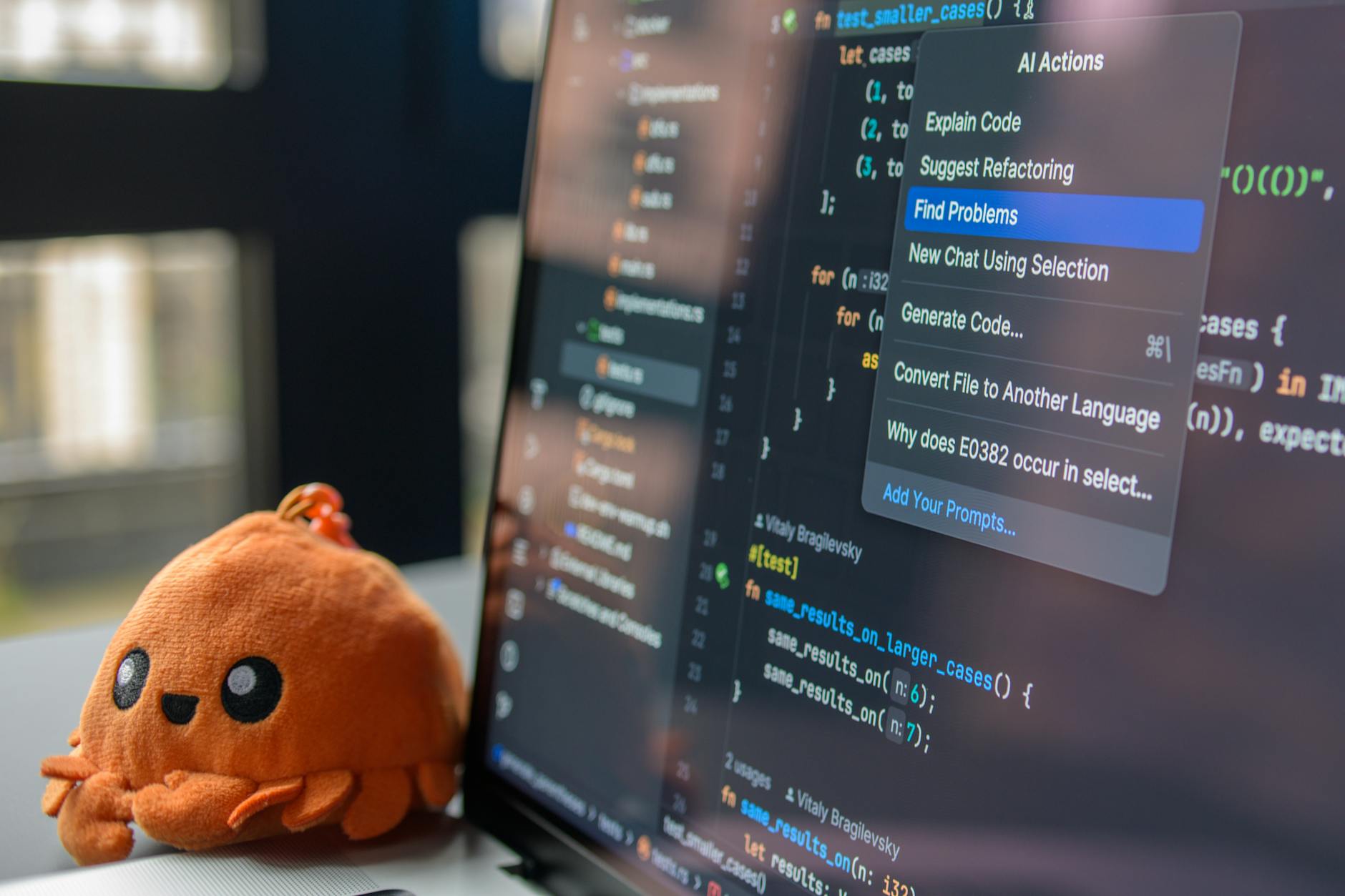
Photo by Daniil Komov on Pexels | Source
Quick definitions (so we’re aligned)
- Vibe coding: an AI-first, iterative approach where you rely on generative models, copilots, and low-code building blocks to get functional software fast. It emphasizes prototyping, conversational development, and human-in-the-loop validation.
- Traditional coding: manual authoring of code by humans from design to implementation, using standard IDEs, libraries, and CI/CD tooling. It emphasizes explicit control, predictable builds, and hand-crafted architecture.
1) Speed: who wins the sprint?
Speed is where vibe coding often looks like a superpower.
Vibe coding advantages:
- Rapid scaffolding: AI can generate boilerplate, CRUD endpoints, and UI components in seconds.
- Fewer keystrokes: prompting can replace repetitive coding tasks (wiring auth, creating forms, writing tests).
- Fast experimentation: you can iterate features or UX variations quickly.
Traditional coding advantages:
- Optimized runtime and build pipelines are mature and predictable, so once built, iteration on large systems can be more structured.
- For complex algorithmic features, human-driven design is often faster to reach production-ready correctness.
Bottom line: for prototyping, MVPs, demos, or content-driven apps, vibe coding is usually faster. For high-assurance systems or deeply optimized modules, traditional coding often catches up and can win on total time-to-stability.
Photo by Mikhail Nilov on Pexels | Source
2) Quality and maintainability
Quality depends on how you define it: correctness, readability, test coverage, performance, security.
Vibe coding quality profile:
- Strengths: fast test scaffolding, quick acceptance tests, and consistent use of modern patterns if you prompt models well.
- Risks: generated code can be inconsistent in style, may include unused dependencies, or rely on heuristics that need human review.
Traditional coding quality profile:
- Strengths: predictable architecture, explicit dependencies, and often better-documented design decisions.
- Risks: slower to refactor without automation; repetitive tasks can introduce human errors.
Best practice: use vibe coding to accelerate and then apply traditional coding discipline—linting, type systems (TypeScript/Flow), code review, and CI—to harden the product. In Episode 4 we covered debugging with AI; use those techniques to raise the quality of AI-generated code.
3) Learning curve: how fast can you onboard?
Vibe coding:
- Friendly for beginners: you can get a working app quickly with modest coding knowledge.
- New skill: prompt engineering and validating AI outputs become part of the developer skillset.
Traditional coding:
- Higher initial barrier: you need a deeper understanding of language idioms, frameworks, and tooling.
- Long-term benefit: stronger fundamentals make you more resilient for complex problems.
If you’re teaching newcomers or building a prototype for product validation, vibe coding lowers the activation energy. If you’re preparing for backend systems, performance engineering, or platform work, traditional skills remain essential.
4) Limitations: what vibe coding can’t replace (yet)
- Deep domain expertise — AI can assist but not replace subject-matter experts for regulated domains (medical devices, avionics, finance compliance).
- Guaranteed correctness — formal verification and some edge-case handling still require human architects.
- IP and licensing clarity — generated snippets may include patterns with unclear provenance; you must validate licenses before shipping.
- Operational complexity — large distributed systems require careful capacity planning and observing practices beyond code generation.
Recognize these limits and treat AI outputs as accelerants, not final authority. Episode 3’s prompting techniques help reduce noise, but verification remains your responsibility.
5) When to use each approach (practical rules of thumb)
Use vibe coding when:
- You need an MVP, demo, or landing page fast.
- You’re experimenting with UI/UX ideas or content-driven features.
- You want to automate repetitive tasks (tests, forms, standard endpoints).
- You have a small team and need to prototype collaboration quickly.
Use traditional coding when:
- You require strict performance, determinism, or regulatory compliance.
- You’re building core libraries, SDKs, or infrastructure components.
- Long-term maintainability and explicit architectural control are top priorities.
Often the right answer is hybrid: start with vibe coding to explore, then refactor critical parts into traditional implementations.
Photo by ThisIsEngineering on Pexels | Source
Tooling, costs, and versions (as of 2026-02-27)
Here are representative tools and price points you’ll encounter when building in 2026. Prices and feature sets change, so use this as a snapshot:
- OpenAI / ChatGPT: ChatGPT Plus ($20/month) gives access to advanced models; enterprise and API tiers vary by usage. Model families include GPT-4o and subsequent releases in 2024–2025; check OpenAI pricing pages for API costs.
- GitHub Copilot: Individual plans have been available historically around $10/month (confirm current pricing on GitHub). Copilot integrates into VS Code, JetBrains, and GitHub.dev.
- Anthropic: Claude family (e.g., Claude 3) provides conversational and coding assistance; pricing varies by access tier.
- Llama / Open-source: Meta’s Llama 3 and community forks enable on-premise experiments; model sizes differ for latency and capability trade-offs.
- IDEs & design: VS Code (free), JetBrains IDEs (JetBrains All Products Pack subscription typical for power users), Figma Professional (per-editor subscription) remain core tools.
Tools evolve rapidly; pick the combination that fits your privacy, latency, and budget needs. If you need precise numbers for budgeting, check each vendor’s site the week you buy.
Example workflows: hybrid patterns that work
- Prototype (Vibe) → Harden (Traditional)
- Generate UI and API stubs with an AI copilot, validate user flows, then rewrite performance-critical modules by hand.
- AI-assisted pair programming
- Use Copilot/ChatGPT for suggestions and tests, but enforce pull-request reviews and type-safety checks before merge.
- Component library + generated glue
- Maintain a curated component library; use AI to generate pages that stitch components together and write the necessary wiring.
These patterns combine the speed of vibe coding with the guarantees of traditional engineering.
How to evaluate outputs (a short checklist)
- Does the generated code have tests? If not, ask the model to produce them.
- Are dependencies minimal and intentional? Remove unused packages.
- Is there a clear license for any included snippets? Verify provenance.
- Are performance and security considerations documented? Add notes or add tests for them.
Applying these checks converts a quick prototype into production confidence.
Final takeaway
Vibe coding is not a replacement for traditional coding — it’s an amplification. Use vibe coding to move fast, experiment, and automate boilerplate. Use traditional coding practices to secure, optimize, and maintain the signal that matters. If you’ve followed this series (Episodes 1–4), you now have the context to choose the right approach and the practical skills to blend both effectively.
If you liked this series, experiment with a hybrid workflow on your next project: prototype with AI, then harden the critical paths with traditional engineering. You'll get the best of both worlds.
Further reading and next steps
- Revisit Episode 1: What Is Vibe Coding? for foundational definitions.
- Try Episode 2's 30-minute portfolio build to see vibe coding speed in action.
- Use Episode 3 and 4 tactics when prompting and debugging AI-generated code.
Happy building — whether you’re vibing or crafting every line by hand, choose the tool that helps you ship better software.
Frequently Asked Questions
Is vibe coding suitable for production apps?
Yes, for many web and content-driven apps vibe coding can reach production, but you should harden critical paths with tests, reviews, and performance tuning before wide release.
Do I need to learn prompt engineering to use vibe coding?
Learning prompt techniques helps a lot — it reduces noise and improves output quality — but basic use can still speed tasks without advanced prompting skills.
Can AI replace experienced developers?
No. AI augments developers by automating repetitive work and accelerating ideation, but experienced engineers are required for architecture, domain expertise, and verification.
How do I maintain code quality with AI-generated code?
Enforce code reviews, use linters and type systems, require tests, and validate third-party dependencies and licenses to maintain quality.


