

How to Stay Focused Working from Home: 7 Proven Strategies
Working from home gives you freedom, but it also brings more distractions. In this episode of the Remote Work Pro series (Episode 3 of 5), you'll get evidence-based, practical strategies to keep your focus sharp. As we covered in Episode 1 — The Ultimate Home Office Setup Guide for 2026 — your physical workspace matters. And Episode 2’s comparison of Zoom, Teams, and Meet emphasized how tool choice affects meeting fatigue. Here we bring those ideas together with behavioral tactics you can start using today.

Photo by Leeloo The First on Pexels | Source
Why focus breaks down at home
Before the strategies, a quick reality check: working from home amplifies two classic attention problems — environmental triggers (household noise, a cluttered desk) and digital context switching (notifications, tabs, chat). Cognitive science shows multitasking harms deep work and increases time-to-complete tasks; the practical fix is designing systems that reduce interruption and make deep work the default.
1) Design an attention-first environment
Your environment cues your brain. Make it signal “work” clearly.
- Dedicated space: If possible, use a specific room or clear desk area for work only. Even a consistent corner of a room works; consistency trains your brain to enter work mode.
- Light and posture: Natural light reduces fatigue; position your desk near a window if you can. Use an ergonomic chair and set monitor height at eye level to avoid posture breaks that fragment attention.
- Declutter and zones: Keep only the tools you need for the task on your desk. Use zones for “focus” (work only) and “pause” (break items like a book or mug) to avoid micro-break creep.
- Sound control: Noise-cancelling headphones help in noisy homes. Use ambient sound playlists or low-volume instrumental tracks — evidence suggests steady background sound can aid sustained attention for many people.
2) Time blocking with purpose
Time blocking — scheduling chunks of time for types of work — converts vague intentions into concrete commitments.
- Block your calendar by outcome, not tool. For example: “Draft Q2 report” 9–11am, not “Email/Work.”
- Use the Pomodoro or ultradian rhythms. The Pomodoro method (25 minutes work / 5 minutes break) is popular; many people also use longer cycles (90–120 minutes) aligned to ultradian peaks of alertness. Experiment and stick with what matches your attention span.
- Protect blocks visually. Mark blocks as “busy” in your calendar (Google Calendar or Outlook) and include short notes so colleagues see the purpose.
Tools: Google Calendar (free with Google account), Microsoft Outlook/Teams calendar (part of Microsoft 365), and calendar apps like Fantastical (paid tiers) can all manage blocks. Many of these have free tiers; check vendor sites for current subscription details.
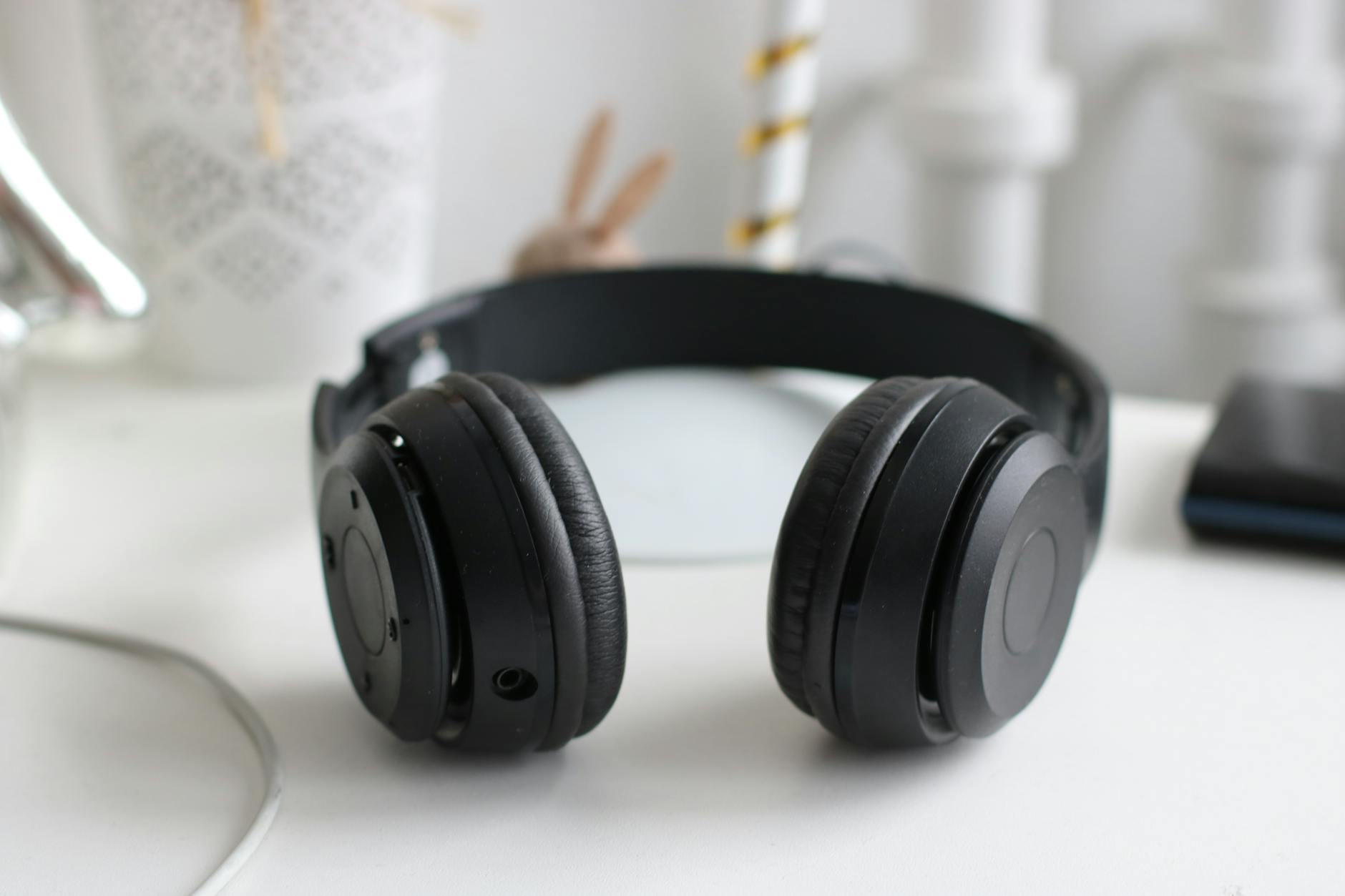
Photo by Dzenina Lukac on Pexels | Source
3) Create strong digital boundaries
Digital interruptions are the most common focus killers. Design rules to limit them.
- Notifications discipline: Turn off non-critical push notifications. Keep only messaging you need live (e.g., urgent client channels) and mute social apps during work blocks.
- App blockers: Tools such as Freedom, Cold Turkey, or Forest can block distracting sites or apps for set periods. Many have free tiers and paid plans starting at low monthly rates; check the providers for up-to-date pricing.
- Single-task tabs & tab managers: Use a single browser window for work and bookmark or save distraction tabs to read later (tools like Pocket or browser “read later” features). Tab managers (OneTab, Toby) reduce visual clutter.
- Email hygiene: Check email at scheduled times (e.g., once mid-morning, once mid-afternoon) rather than keeping it open. Use filters, labels, and rules to prioritize important senders.
4) Use the right tools (and use them intentionally)
Tools can help — if used with rules.
- Task systems: Use a task manager you actually maintain. Notion, Todoist, Microsoft To Do, and Asana are popular choices. Many offer free tiers; paid plans typically add collaboration and automation.
- Focus co-working: Services like Focusmate pair you with a remote accountability partner for 50– or 25-minute focused sessions. There are free and paid options.
- Ambient productivity audio: Apps like Focus@Will (subscription) or background playlists on Spotify/YouTube can improve concentration for some people.
Pick one tool for tasks, one for calendar, and one for blocking/ambient sound. Keeping tool overhead low reduces context switching.
5) Build accountability systems
Accountability multiplies focus. If you know someone’s counting on you, your attention is more likely to stick.
- Daily stand-ins and check-ins: Share a short morning plan with a teammate or accountability buddy — 2–3 priorities for the day. End with a brief check-in reporting progress.
- Public commitments: Use project boards (Trello, Jira, or Notion databases) with visible status so colleagues can see progress. The visibility alone raises the cost of slacking.
- Time-bound commitments: Use Focusmate or scheduled pairing sessions to create external structure. You can also use mutual calendar blocks labeled “Pair work” with a colleague.
Evidence from behavioral economics shows commitment devices (public promises, deposits) increase follow-through. Structure accountability to be supportive, not punitive.
6) Plan for transition moments
Switching tasks without a ritual wastes minutes and attention. Use micro-routines to enter and exit deep work:
- Start ritual: 1–2 minutes to review your goal, close unnecessary tabs, and set a timer.
- Mid-block reset: If attention drifts, use a quick physical cue (stand, stretch, short walk) rather than switching tasks.
- End ritual: 3–5 minute wrap-up to record next steps and clear the desk so your brain has a clean breakpoint.
These small routines reduce the cognitive overhead of context switching and make it easier to resume deep work.
7) Measure and iterate
Focus is personal. Track what works and refine.
- Weekly review: Spend 15–30 minutes reviewing what you accomplished, where you were interrupted, and what to change next week.
- Simple metrics: Track focused hours per day (using calendar blocks or apps), distractions logged, and most productive time windows.
- Adjust blocks: Move your most demanding tasks to your peak energy windows. Use short experiments (one week with Pomodoro, one week with 90-minute blocks) and compare results.
As you tune these systems, combine environmental tweaks from Episode 1 (ergonomics, lighting) with the right meeting hygiene from Episode 2 (right meeting tool and agenda practices) to maximize focus.
Quick checklist: Start today
- Choose one consistent workspace.
- Block two 60–90 minute deep-work slots in your calendar this week.
- Mute non-essential notifications and install an app blocker for one hour.
- Arrange one accountability check-in with a teammate or use Focusmate for a session.
- Do a 10-minute weekly review every Friday.
Final notes: habits beat willpower
Willpower is finite; systems are enduring. Set up your environment, schedule, tools, and accountability so that your default behavior supports focus. Small changes compound: a clear desk, a protected 90-minute block, and one accountability check-in per day can dramatically reduce time lost to context switching.

Photo by Nataliya Vaitkevich on Pexels | Source
Recommended resources
- Try a 2-week experiment: pick one blocking rhythm (Pomodoro or 90-minute blocks) and one blocking tool (Freedom, Forest) and track focused hours.
- Use a simple task system (Todoist, Notion, or Microsoft To Do) and limit yourself to one task manager — duplication kills clarity.
Wrap-up
Staying focused at home is a systems game: shape your environment, schedule, digital boundaries, and accountability so deep work is more likely than distraction. In Episode 4 of Remote Work Pro we’ll cover advanced communication norms for distributed teams — until then, test one of the seven strategies above and iterate.
Frequently Asked Questions
How long should my focus blocks be?
Start with what fits you: Pomodoro (25/5) is great for short attention spans; 60–90 minute blocks suit deep analytical work. Experiment for a couple of weeks and choose what lets you finish meaningful work.
Which app blockers are best for working from home?
Popular options include Freedom, Cold Turkey, and Forest. Many offer free tiers and paid plans for advanced scheduling; pick one that integrates with your workflow and enforces the blocks you set.
How do I handle urgent messages during a deep work block?
Designate an “urgent” channel (phone call or specific chat channel) and instruct teammates when to use it. For most work, turn off real-time notifications and check messages at scheduled intervals.
Can accountability tools really improve focus?
Yes. External commitments, like daily check-ins or Focusmate sessions, create social and scheduling pressure that increases follow-through. Combine them with personal routines for best results.


