

Introduction
Remote work has been a major shift in how we live and work. If you've followed this "Remote Work Pro" series, you know we've already covered the essentials: Episode 1 walked through the ultimate home office setup, Episode 2 compared video-call platforms, Episode 3 gave proven focus strategies, and Episode 4 dug into remote team communication. This final episode focuses on a topic every remote worker faces: maintaining work-life balance so you can be productive without burning out.
Work-life balance isn't a single setting you flip on. It's a set of practical systems you design and iterate on—schedule habits, physical boundaries, and mental health practices that protect your energy. Below you'll find actionable techniques you can apply this week, tools to help, and short routines to keep you steady.
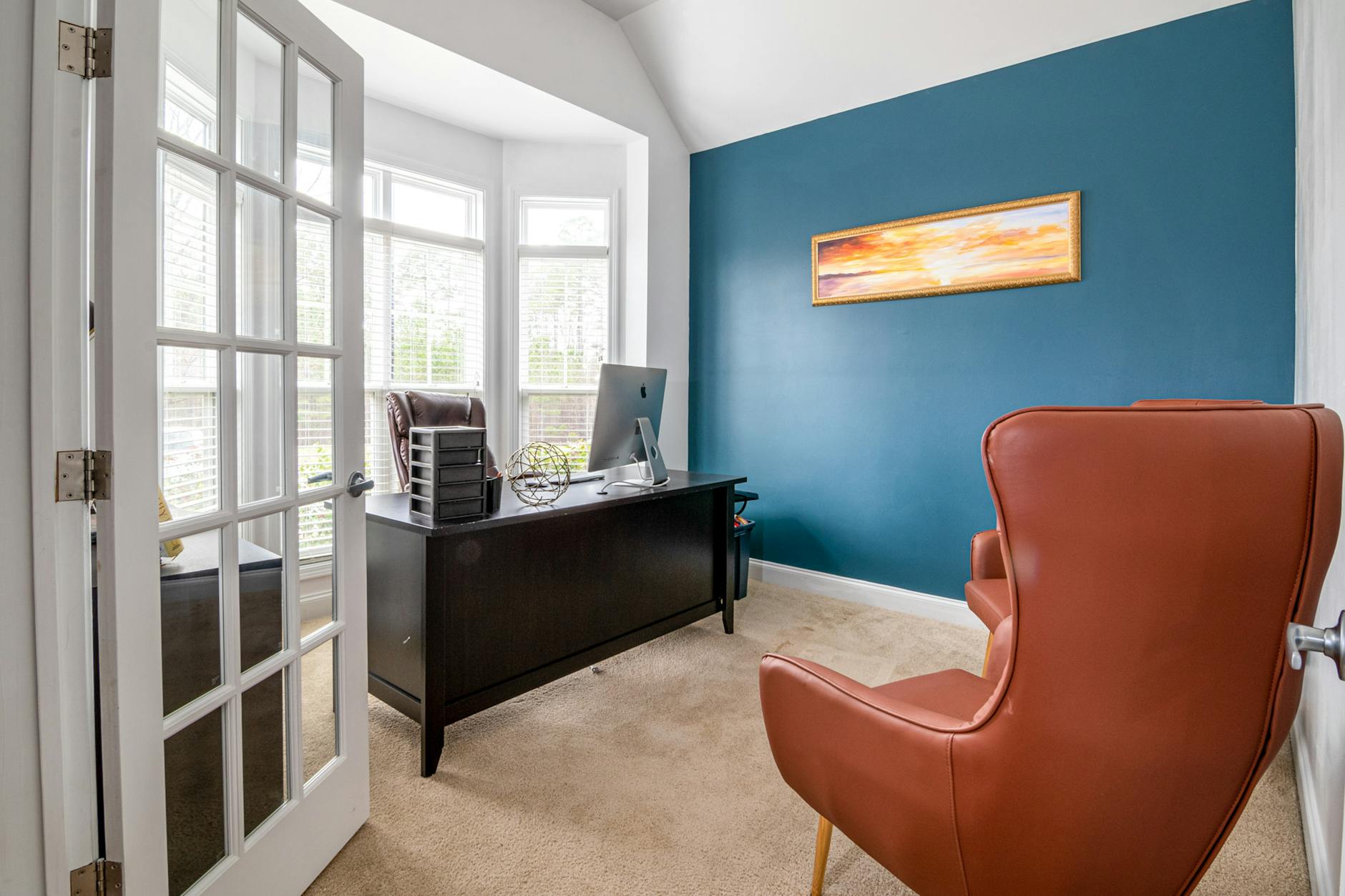
Photo by Curtis Adams on Pexels | Source
1. Design a schedule that supports boundaries
A resilient schedule gives your brain predictable cues for starting and stopping work. Use time-blocking, morning and shutdown rituals, and calendar boundaries to reclaim your day.
Start with these steps:
- Define core hours. Decide 3–5 hours when you must be available for team meetings and deep collaboration. Outside those hours, limit synchronous commitments.
- Time-block for focused work. Reserve 60–90 minute blocks for priority tasks (deep work), and treat them like meetings—no interruptions.
- Build a realistic daily rhythm. Include a morning ritual, two deep-work blocks, short breaks, and an end-of-day shutdown routine.
- Communicate clearly. Publish your core hours on your calendar or profile so teammates know when you’re available.
Tools that help:
- Calendar apps: Google Calendar and Microsoft Outlook (both remain primary calendar platforms that sync across devices). Use calendar blocks to show availability and add descriptive titles like "Deep Work: Project X".
- Focus timers: Pomodoro timers like Be Focused or Focus Keeper, and apps like Forest for phone-based focus incentives.
- Distraction blockers: Freedom and Cold Turkey block distracting sites across devices.
Tip: Color-code calendar blocks (e.g., blue for meetings, green for deep work) so a glance tells you what your day looks like.
2. Physical separation: create real boundaries
Your body reads your environment. When work and life share the same physical cues, it's harder to switch modes. Here’s how to create meaningful separation.
Options depending on your space:
- Dedicated room: If you have a spare room, make it your home office and close the door at the end of the workday.
- Defined zone: Use furniture, rugs, or shelving to define a work corner if a separate room isn't available.
- Mobile boundary: If you work from different spots, designate one place for starting work (like a desk) and another for relaxation (like a couch), and avoid working from the relaxation spot.
Practical habits to reinforce space separation:
- Start and end with a physical cue: open a window, light a lamp, or put on a work playlist when you start; shut the laptop, switch off the desk lamp, or change your clothes when you finish.
- Pack up at the end of the day: store work materials in a box or drawer so the visual cue of work is gone.
- Use noise control: Noise-cancelling headphones such as Sony WH-1000XM5 or Bose QuietComfort line help maintain focus in shared spaces (these models have been popular choices since their releases).
Small changes to your environment send big signals to your brain that the workday is over.

Photo by Pavel Danilyuk on Pexels | Source
3. Protect your mental health intentionally
Balance is as much emotional as it is logistical. These practices help you stay resilient and reduce chronic stress.
Daily micro-routines (10–20 minutes each):
- Morning mind-set: 5–10 minutes of stretching, journaling, or a short walk to set intentions.
- Midday reset: a real lunch break away from screens—ideally a short walk or breathing exercises.
- Shutdown ritual: spend 5 minutes reviewing what you completed and planning 1–3 priorities for tomorrow.
Weekly practices:
- A weekly review session (15–30 minutes) to reflect on wins, bottlenecks, and boundary leaks. Use a simple template: Wins, Challenges, Experiments for next week.
- Schedule at least one non-work social activity that energizes you—coffee with a friend, a hobby class, or an outdoor meetup.
When stress rises:
- Use micro-break techniques: box breathing (4-4-4-4), progressive muscle relaxation, or a 10-minute guided meditation. Apps like Headspace or Calm offer short guided sessions.
- Know when to step back: high stress, sleep disruption, or persistent dread are signs to reduce load and, when needed, seek professional support.
4. Communication and expectations: make boundaries visible
Remote work can blur expectations. Make yours explicit and repeat them.
- Publish your working hours in your calendar and your Slack or Teams profile.
- Use status messages: set Slack/Teams status to indicate deep-work blocks or focus time.
- Agree on response-time norms: simple rules like "I respond to non-urgent messages within 24 hours" reduce pressure.
As we explored in Episode 4, good remote communication practices reduce friction—combining those techniques with explicit boundary-setting keeps your workload sustainable.
5. Use technology intentionally—set guardrails
Technology both helps and hustles you. Make it work for balance.
- Notifications: turn off non-essential notifications on both desktop and mobile. Use priority notifications for family and key teammates.
- Email and chat batching: check email and chat at scheduled times (e.g., morning, after lunch, late afternoon) rather than continuously.
- Integrate task tools: centralize tasks in a single tool like Notion, Todoist, or Asana so items don't leak into multiple places and create cognitive overload.
Note: Many of these tools have free tiers and paid upgrades. Check each vendor for the latest plans and features as they evolve.
6. Small rituals that scale
Tiny, repeatable rituals give structure without rigidity. Try these:
- The "first 15 minutes": review calendar, set 3 priorities, and silence nonessential pings.
- The "last 10 minutes": clean desktop, log accomplishments, and toggle your status to "off work."
- The transition cue: change shoes, step outside for 5–10 minutes, or do a 2-minute stretch routine.
Consistency matters more than perfection—experiment for two weeks, then keep what works.
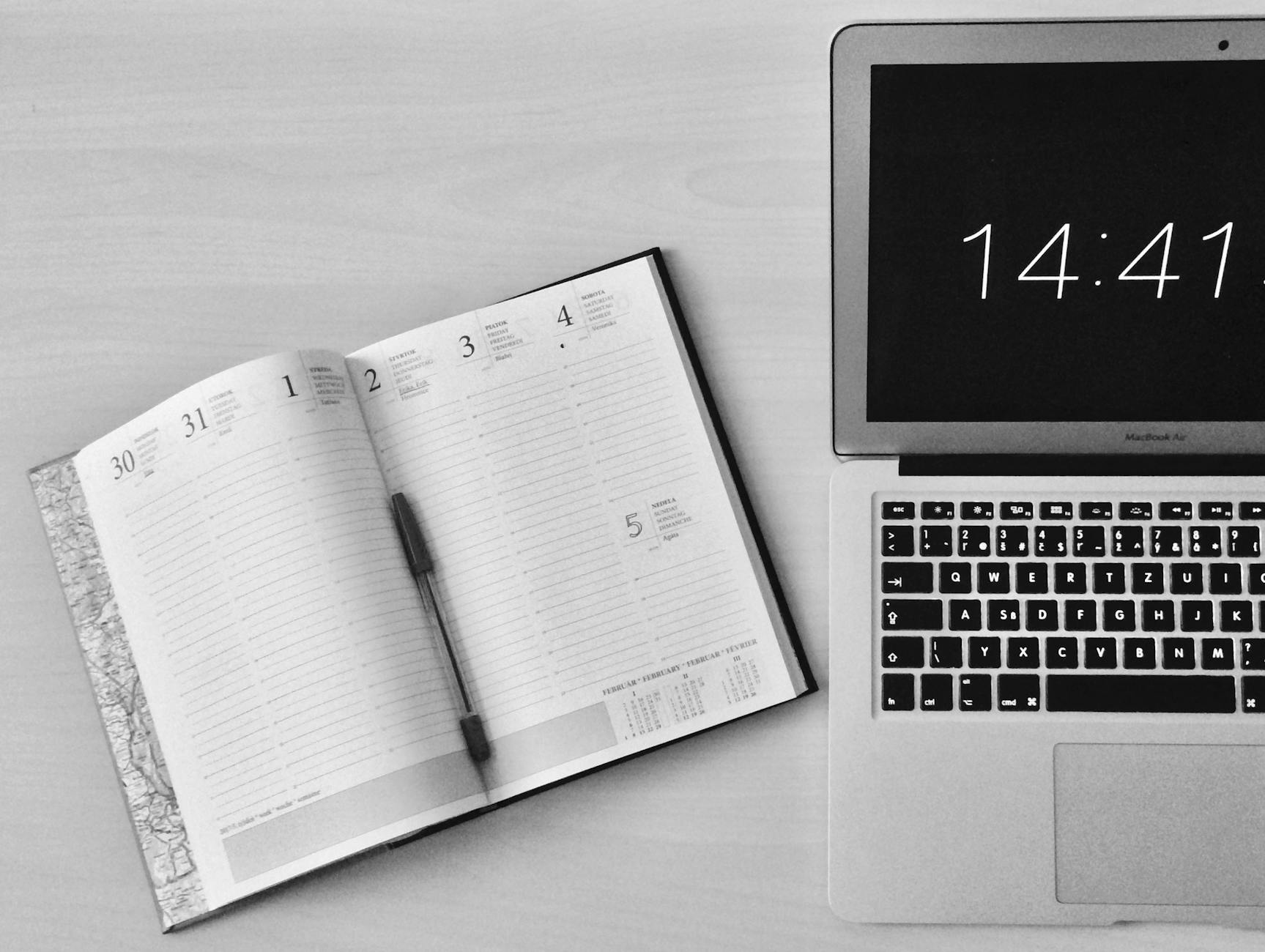
Photo by Michaela on Pexels | Source
Quick templates you can copy
- Core hours line for calendar: "Available: 10:00–15:00 (meetings). Reply within 24 hours otherwise."
- Slack status: "In deep work — ping if urgent. Returning at 3:00 PM."
- End-of-day checklist (3 items): 1) Completed tasks, 2) Tomorrow’s top 3, 3) Laptop closed and workspace put away.
Closing thoughts
Work-life balance as a remote worker is an ongoing practice. Use schedule design, physical boundaries, and mental-health routines to create a sustainable rhythm. Revisit the setup from Episode 1 if your environment needs an upgrade, apply focus strategies from Episode 3 to protect deep work blocks, and keep communication norms from Episode 4 to set expectations.
Balance isn't the absence of work—it's the design of your day so both work and life get the attention they deserve.
FAQ
- How do I stop working when there's no commute?
Set a clear end-of-day ritual: a final checklist, a short walk, or a cue like switching clothes. Treat the ritual as non-negotiable—it's the replacement for the commute's boundary.
- What's a realistic way to handle interruptions at home?
Build short, protected deep-work blocks (60–90 minutes) and communicate them to household members. Use visual cues (closed door, headphones) and schedule necessary interruptions during breaks.
- How can I avoid burnout while staying visible to my manager?
Prioritize outcome-focused updates: send concise daily or weekly summaries of progress instead of staying always-online. Set clear availability windows for synchronous check-ins.
- Are short breaks really helpful for focus?
Yes. Brief, regular breaks (5–15 minutes) between focused work blocks restore attention and lower fatigue. Methods like Pomodoro (25/5) or longer 60/15 cycles both work—test what fits your tasks.
Frequently Asked Questions
How do I stop working when there's no commute?
Set a clear end-of-day ritual like a final checklist, a short walk, or changing clothes. Treat that ritual as non-negotiable to create a consistent boundary.
What's a realistic way to handle interruptions at home?
Use protected deep-work blocks (60–90 minutes), communicate them to household members, and reinforce them with visual cues like closed doors or headphones.
How can I avoid burnout while staying visible to my manager?
Send concise progress updates and set clear availability windows for synchronous check-ins. Focus on outcomes rather than always being online.
Are short breaks really helpful for focus?
Yes. Regular short breaks (5–15 minutes) between focused blocks restore attention and lower fatigue. Experiment with Pomodoro or longer cycles to find what fits.


