

Apple Just Refreshed the MacBook Air — But Which One Is Right for You?
Apple officially pulled the curtain back on the new MacBook Air with M5, and unsurprisingly, the internet is buzzing. Whether you're a student hunting for a reliable daily driver, a creative professional pushing pixels, or a developer who needs raw processing power, Apple's laptop lineup in 2026 can feel genuinely confusing. With M5 now powering the MacBook Air and the M4 Pro still sitting inside the MacBook Pro, the question on everyone's mind is: do you actually need to spend more on the Pro, or does the MacBook Air M5 cover everything you need?
Let's break it all down — specs, real-world performance, battery life, price, and who each machine is actually built for.
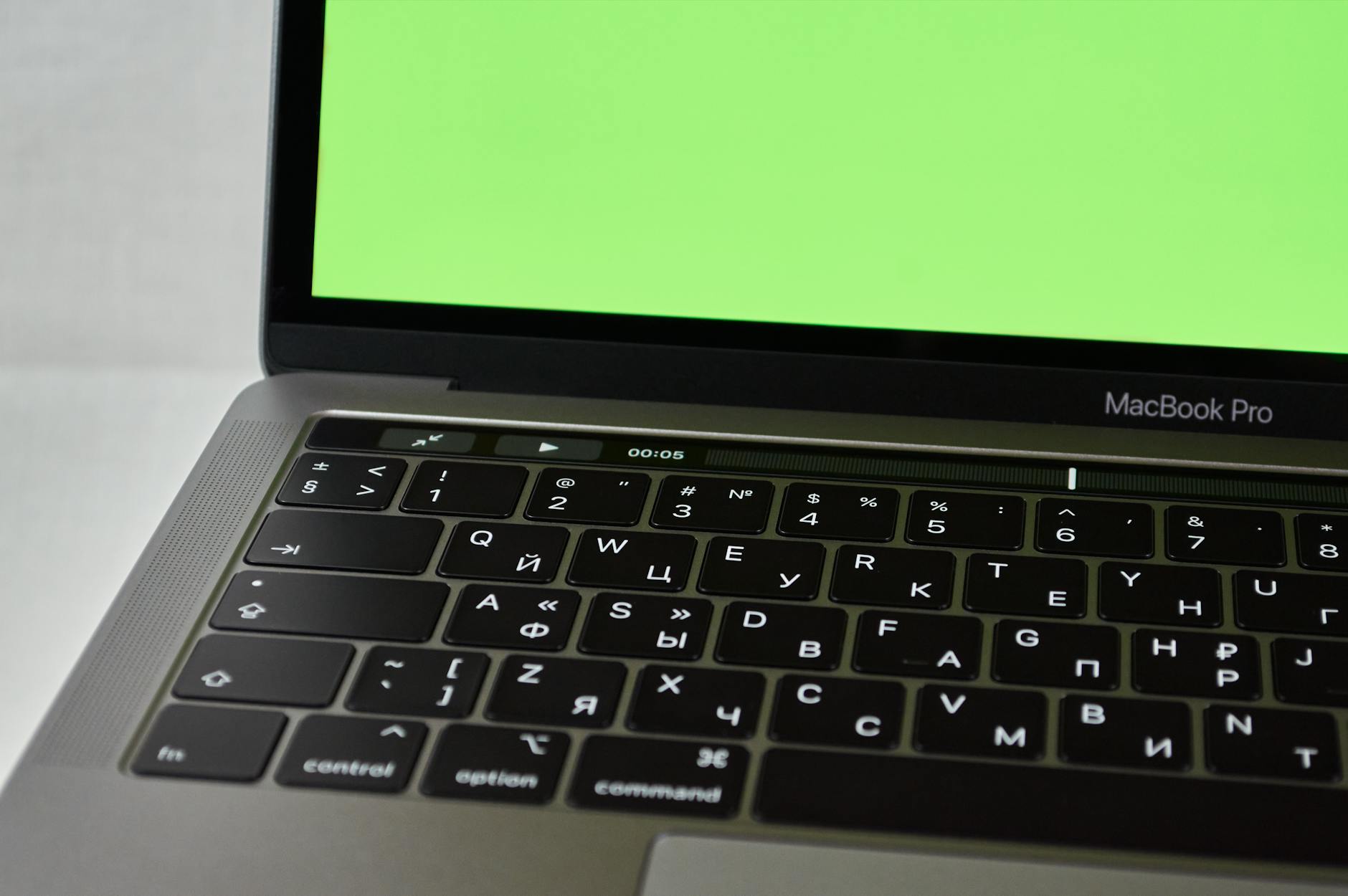
Photo by Ilya Klimenko on Pexels | Source
What's New with the MacBook Air M5?
The biggest headline here is the Apple M5 chip, which Apple confirmed is now inside the redesigned MacBook Air lineup for 2026. Building on the architecture breakthroughs of M4, the M5 brings improved CPU and GPU core counts, enhanced Neural Engine performance for on-device AI tasks, and notably better memory bandwidth — all while maintaining Apple Silicon's legendary power efficiency.
Here's what you're getting with the base MacBook Air M5:
- Display: 13-inch Liquid Retina display (15-inch model also available)
- Chip: Apple M5 with up to 10-core CPU and 10-core GPU
- RAM: Starts at 16GB unified memory (upgradeable to 32GB)
- Storage: Starting at 256GB SSD
- Battery: Up to 18 hours claimed battery life
- Ports: Two Thunderbolt 4 ports, MagSafe 3, headphone jack
- Starting Price: $1,099 (13-inch) / $1,299 (15-inch)
The fanless design remains intact — this is still a completely silent machine, which matters enormously for people working in quiet spaces like libraries, coffee shops, or late-night home offices.
MacBook Air M5 vs MacBook Pro M4: The Core Differences
Now, here's where things get nuanced. The MacBook Pro lineup still runs on the M4, M4 Pro, and M4 Max chips, which Apple has not yet refreshed for M5 as of early March 2026. That alone is a meaningful consideration. You could technically be buying a newer chip in the "less premium" laptop.
Processing Power: The M5 in the MacBook Air is genuinely fast for everyday tasks. But the MacBook Pro M4 Pro's chip — with up to 14 CPU cores and 20 GPU cores — still edges ahead for sustained heavy workloads. The Pro also uses an active cooling system (a fan), meaning it can sustain peak performance longer without thermal throttling. For tasks like 4K/8K video editing, machine learning model training, or compiling large codebases, the MacBook Pro holds an advantage.
Display: This is arguably the MacBook Pro's biggest differentiator. The MacBook Pro sports a Liquid Retina XDR display with ProMotion adaptive refresh rates up to 120Hz and much higher peak brightness. For professional color work, video grading, or just enjoying your machine's screen, the Pro's display is noticeably better.
Ports & Connectivity: The MacBook Pro gives you three Thunderbolt ports, an HDMI port, an SD card reader, and MagSafe. The MacBook Air only has two Thunderbolt ports and MagSafe. If you regularly plug into external displays, SD cards, or need high-bandwidth peripherals, the Pro's port selection is a practical win.
Battery Life: Interestingly, the MacBook Air M5 holds its own here — Apple claims up to 18 hours, and real-world usage typically lands between 12–15 hours for mixed workloads. The MacBook Pro 14-inch M4 Pro claims up to 24 hours, though the 16-inch model also pushes similar numbers. For road warriors, the Pro has more stamina — but the Air isn't far behind.

Photo by Dario Raijman on Unsplash | Source
Price Comparison: Where Does the Value Sit?
Let's talk money, because ultimately that's where most decisions get made:
| Model | Starting Price |
|---|---|
| MacBook Air 13" M5 | $1,099 |
| MacBook Air 15" M5 | $1,299 |
| MacBook Pro 14" M4 | $1,599 |
| MacBook Pro 14" M4 Pro | $1,999 |
| MacBook Pro 16" M4 Pro | $2,499 |
That's a significant gap. For most users — and we'd argue the majority of laptop buyers — the MacBook Air M5 at $1,099 delivers exceptional value. You're getting Apple's latest chip, a gorgeous display, all-day battery life, and that whisper-quiet operation in a machine that starts $500 less than the entry MacBook Pro.
The premium for the MacBook Pro makes sense when you're doing:
- Video production (4K or higher, color grading)
- 3D rendering or animation
- Machine learning or AI development
- Large-scale software compilation
- Professional music production with many live tracks
For students, writers, remote workers, developers doing light-to-moderate work, and casual creatives, the MacBook Air M5 is the smarter buy.
Who Should Buy the MacBook Air M5?
The MacBook Air M5 is the right machine if:
- You want the newest chip without paying a premium — M5 is genuinely newer than M4 Pro right now.
- Silence matters — fanless design means zero noise, ever.
- You're budget-conscious — $1,099 is a strong value for this level of performance.
- You work on the go frequently — lightweight, excellent battery, no thermal concerns for most tasks.
- You're a student or first-time Mac buyer — the Air has historically been the ideal entry point, and M5 makes it even more compelling.
Who Should Buy the MacBook Pro M4 Pro?
You should reach for the MacBook Pro if:
- You work in video, 3D, or ML professionally — sustained performance under load is the Pro's superpower.
- You need that XDR display — if your work demands accurate color or high brightness, the Pro's screen is in a different league.
- Port selection matters daily — HDMI and SD card slots built in are genuinely convenient.
- You'll push the machine hard for hours — active cooling means the Pro doesn't slow down under prolonged stress.

Photo by John Tekeridis on Pexels | Source
The Bottom Line: Air M5 Wins for Most People in 2026
Here's the honest truth: Apple's MacBook Air M5 is the best value laptop Apple has ever made. For the vast majority of users — even those doing moderately demanding creative work — the M5 chip is more than fast enough, the display is excellent, the battery life is impressive, and the $1,099 starting price is hard to argue with.
The MacBook Pro remains the right tool for professionals with specific, demanding workloads. But if you're spending more on the Pro simply because it "feels" more capable, you may be paying a premium that doesn't translate into real-world gains for your actual workflow.
Our recommendation: Start with the MacBook Air M5. Configure it with 16GB RAM (standard now) and 512GB storage for the sweet spot. If you genuinely hit its limits in your daily work, then you'll know exactly why you need the Pro — and what to look for when you upgrade.
FAQ
Q: Is the MacBook Air M5 worth upgrading from M2 or M3? A: If you have an M2 MacBook Air, the M5 represents a notable generational leap in CPU, GPU, and Neural Engine performance — plus improved memory bandwidth. M3 owners may find the upgrade less urgent unless you're doing AI-heavy tasks or need the latest chip for future software compatibility.
Q: Can the MacBook Air M5 handle video editing? A: Yes, absolutely. The M5 handles 4K video editing in Final Cut Pro and Premiere Pro with ease. Where it may fall behind the MacBook Pro is in sustained exports over long periods, where active cooling gives the Pro an edge. For most video editors, the Air M5 is more than sufficient.
Q: What's the difference between MacBook Air M5 and MacBook Pro M4 Pro displays? A: The MacBook Pro M4 Pro features a Liquid Retina XDR display with ProMotion (up to 120Hz refresh rate) and higher peak brightness. The MacBook Air M5 has a standard Liquid Retina display without ProMotion. For professional color work or just smoother scrolling, the Pro's display is a meaningful upgrade.
Q: How much RAM should I get on the MacBook Air M5? A: The base 16GB unified memory is sufficient for most users. If you regularly run multiple demanding apps simultaneously, work with large files, or use AI tools heavily, upgrading to 24GB or 32GB is worthwhile — especially since memory is not upgradeable after purchase.
Q: When will Apple release the MacBook Pro M5? A: As of early March 2026, Apple has not announced a MacBook Pro with M5. Based on Apple's typical release cadence, an M5 MacBook Pro refresh could arrive later in 2026, though no official date has been confirmed.
Frequently Asked Questions
Is the MacBook Air M5 worth upgrading from M2 or M3?
If you have an M2 MacBook Air, the M5 represents a notable generational leap in CPU, GPU, and Neural Engine performance — plus improved memory bandwidth. M3 owners may find the upgrade less urgent unless you're doing AI-heavy tasks or need the latest chip for future software compatibility.
Can the MacBook Air M5 handle video editing?
Yes, absolutely. The M5 handles 4K video editing in Final Cut Pro and Premiere Pro with ease. Where it may fall behind the MacBook Pro is in sustained exports over long periods, where active cooling gives the Pro an edge. For most video editors, the Air M5 is more than sufficient.
What's the difference between MacBook Air M5 and MacBook Pro M4 Pro displays?
The MacBook Pro M4 Pro features a Liquid Retina XDR display with ProMotion (up to 120Hz refresh rate) and higher peak brightness. The MacBook Air M5 has a standard Liquid Retina display without ProMotion. For professional color work or just smoother scrolling, the Pro's display is a meaningful upgrade.
How much RAM should I get on the MacBook Air M5?
The base 16GB unified memory is sufficient for most users. If you regularly run multiple demanding apps simultaneously, work with large files, or use AI tools heavily, upgrading to 24GB or 32GB is worthwhile — especially since memory is not upgradeable after purchase.
When will Apple release the MacBook Pro M5?
As of early March 2026, Apple has not announced a MacBook Pro with M5. Based on Apple's typical release cadence, an M5 MacBook Pro refresh could arrive later in 2026, though no official date has been confirmed.


